

Download Performance Index 64 – Free PC Performance Benchmark & Speed Test Tool for Windows
Performance Index 64 is a lightweight yet powerful benchmarking tool designed for Windows users who want to accurately measure their PC's performance. Whether you're a gamer, content creator, or just curious about your system's speed, this software provides real-time insights into CPU, RAM, and hard disk drive performance. With a simple interface and no installation required, Performance Index 64 delivers fast, reliable results in seconds.
It's ideal for diagnosing slowdowns, comparing hardware upgrades, or verifying system stability after a software update. The tool runs entirely in the background, consuming minimal resources, making it safe to use even on older systems. Download Performance Index 64 today and get a clear picture of your computer's true capabilities—no complex settings, no bloatware, just pure performance insight.
Key Features of Performance Index 64
Performance Index 64 stands out in the crowded field of system benchmarking tools thanks to its simplicity and precision. Unlike many heavy-duty software suites, this tool focuses on the essentials: measuring CPU speed, RAM throughput, and disk drive performance. One of its most notable features is the real-time performance index calculation, which aggregates scores from each component into a single, easy-to-understand number. This makes it simple to compare your system’s performance over time or against other devices.
Another major advantage is the lack of installation. Performance Index 64 is a portable application—just download the .exe file, run it, and start testing immediately. This is perfect for users who prefer not to clutter their system with permanent software or need to test multiple machines without admin rights. The interface is clean and minimal, with no distracting ads or pop-ups, ensuring a distraction-free experience.
Additionally, the tool supports both 32-bit and 64-bit Windows systems, making it compatible with a wide range of devices. It also provides detailed breakdowns of each test, allowing advanced users to analyze specific bottlenecks. For example, if your disk speed is significantly lower than expected, you can quickly identify whether your SSD is underperforming or if there’s a driver issue. The results are displayed clearly, with color-coded indicators to highlight performance levels. Whether you're troubleshooting a laggy system or preparing to upgrade, Performance Index 64 delivers actionable data without the complexity.
How to Install and Use Performance Index 64
Installing and using Performance Index 64 is incredibly straightforward—so simple, in fact, that it doesn’t require a traditional installation process. To get started, visit the official download page and click the “Download” button. The file will be a single executable (.exe) that you can run directly. There are no setup wizards, no registry changes, and no risk of leftover files after uninstallation. This makes it an excellent choice for temporary diagnostics or testing on shared computers.
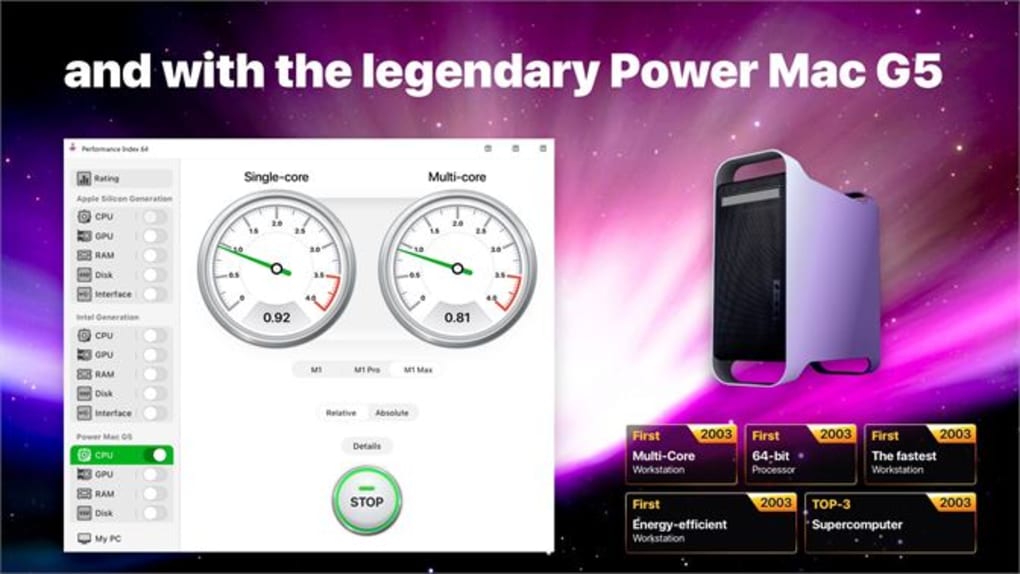
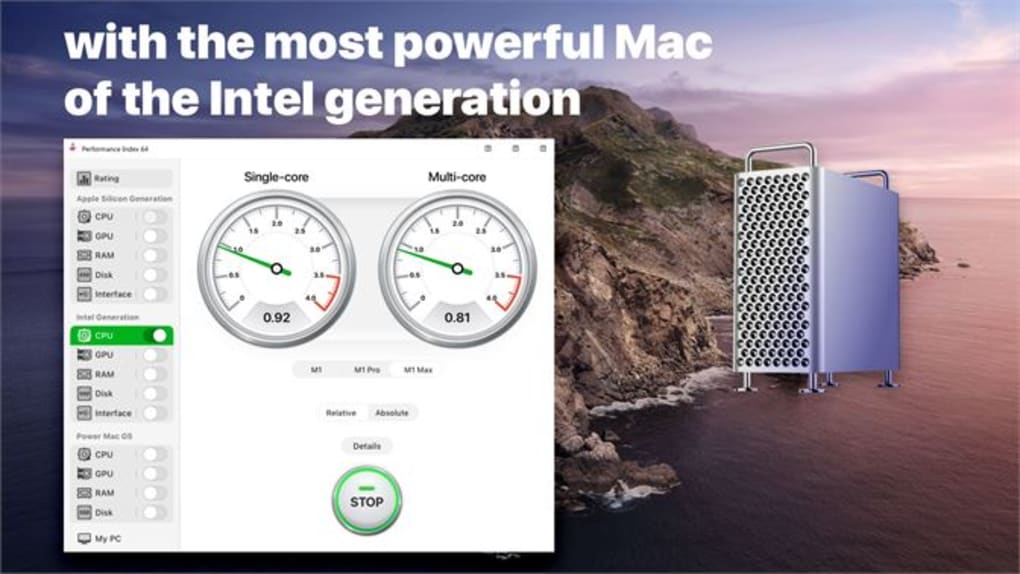
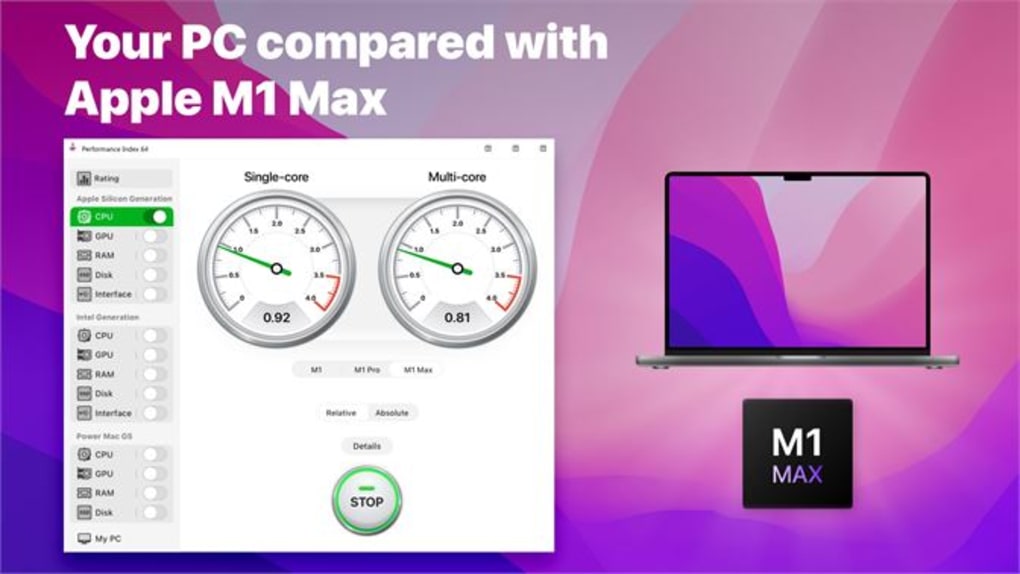
Once downloaded, double-click the file to launch the application. The main window displays a real-time performance index score, along with individual metrics for CPU, RAM, and disk drive. You can begin the test with a single click. The software runs a series of stress tests on each component, measuring how quickly your system handles data processing, memory access, and storage read/write operations. The entire process typically takes less than a minute, depending on your hardware.
After the test completes, the results are displayed in a clean, easy-to-read format. You can save the report to a text file for future reference or share it with tech support. The tool also includes a history log that tracks previous test results, helping you monitor performance changes over time. For example, if you recently upgraded your RAM or replaced your HDD with an SSD, you can run the test again to verify the improvement. No additional configuration is needed—just run, analyze, and act.
Compatibility and System Requirements
Performance Index 64 is specifically designed for Windows operating systems, ensuring seamless compatibility with both older and modern versions. It supports Windows 7, 8, 8.1, and Windows 10 (all versions), as well as Windows 11. This broad compatibility makes it a reliable choice for users with legacy hardware or those working in enterprise environments where system updates are limited.
The software is available in both 32-bit and 64-bit versions, allowing it to run efficiently on a wide range of processors. It requires minimal system resources—less than 10 MB of RAM during operation and no significant CPU usage—so it won’t interfere with other tasks. This is particularly beneficial when running performance tests while multitasking or during gaming sessions.
Although it’s currently only available for Windows, the developer has hinted at future expansion to macOS and Linux platforms. For now, users on Android and iOS devices can’t use this tool directly, but they can still benefit from similar benchmarking apps available in their respective app stores. If you’re using a Windows PC, Performance Index 64 is one of the most accessible and secure tools for evaluating system speed and stability. Always download from the official site to avoid malware or fake versions.
Pros and Cons
- Pros:
- Free to download and use with no hidden costs
- Portable—no installation required
- Lightweight and fast, with minimal system impact
- Accurate benchmarking for CPU, RAM, and disk drive
- Simple, clean interface suitable for beginners
- Real-time performance index with color-coded results
- Supports both 32-bit and 64-bit Windows systems
- Results can be saved and compared over time
- Cons:
- Only available for Windows (no Mac, Linux, Android, or iOS support)
- Limited customization options for test parameters
- No built-in cloud sharing or community benchmarking
- Results are not automatically compared to industry standards
- Minimal documentation or tutorial content
Frequently Asked Questions (FAQ)
- Is Performance Index 64 safe to download?
Yes. Performance Index 64 is a legitimate, secure tool developed by a trusted software provider. It’s free from malware, spyware, and adware. Always download from the official website to avoid fake or modified versions.
- Can I use Performance Index 64 on Windows 11?
Yes. The software is fully compatible with Windows 11, including both 32-bit and 64-bit editions. It runs smoothly without requiring additional drivers or patches.
- Do I need to install it to use it?
No. Performance Index 64 is a portable application. You can run it directly from a USB drive or desktop folder without installing it on your system.
- How often should I run a performance test?
It depends. Run a test when you suspect performance issues, after hardware upgrades, or before selling your PC. For routine monitoring, once a month is sufficient.
- Can I compare my results with others?
Not directly. Performance Index 64 doesn’t have a built-in benchmark database or cloud comparison feature. However, you can manually compare your scores with online benchmarks or share results with tech communities.
Final Verdict and Call to Action
Performance Index 64 is a must-have tool for anyone looking to understand their PC’s true performance without the hassle of complex software. Its lightweight design, ease of use, and accurate results make it a standout choice among free benchmarking tools. While it lacks advanced features like cross-platform support and cloud integration, it excels in what it does best: delivering fast, reliable performance insights with zero friction.
Whether you’re troubleshooting a slow system, verifying the impact of a hardware upgrade, or simply curious about your computer’s capabilities, Performance Index 64 provides the answers you need—quickly and securely. With no installation, no ads, and a completely free license, it’s one of the most trustworthy tools in its category.
Download Performance Index 64 today and take control of your system’s performance. Test your PC in seconds, track improvements over time, and make informed decisions about your hardware. It’s the simplest way to get a real performance snapshot—no tech degree required.







